Picture this: it’s three weeks before the deadline. Which reviews are still open? Who has already received a message from you? And where did you leave things with that one reviewer who lost their login link?
Organizing a (scientific) conference is a juggling act with authors, reviewers and a program committee, each with their own steps and deadlines. It can be frustrating when you lose track of things, even for a moment.
Abstract handling has been live for a while, and we felt it deserved a serious upgrade. Why? To make it more intuitive to use, to give the messageging function an update, and to make the whole process easier for reviewers and authors.
From the first submission to the final decision: you see what’s going on, and you decide what happens. That’s how a pile of abstracts becomes a program you’re proud of. Below we explain what’s changing, when, and what it means for you.
Rest easy: you don’t have to switch everything at once. First you turn on the new way of working yourself, then it’s on by default (with a way back for events you’d rather finish the old way, because you may already be halfway through). Only after that does it become permanent, so you switch at your own pace.
What’s new?
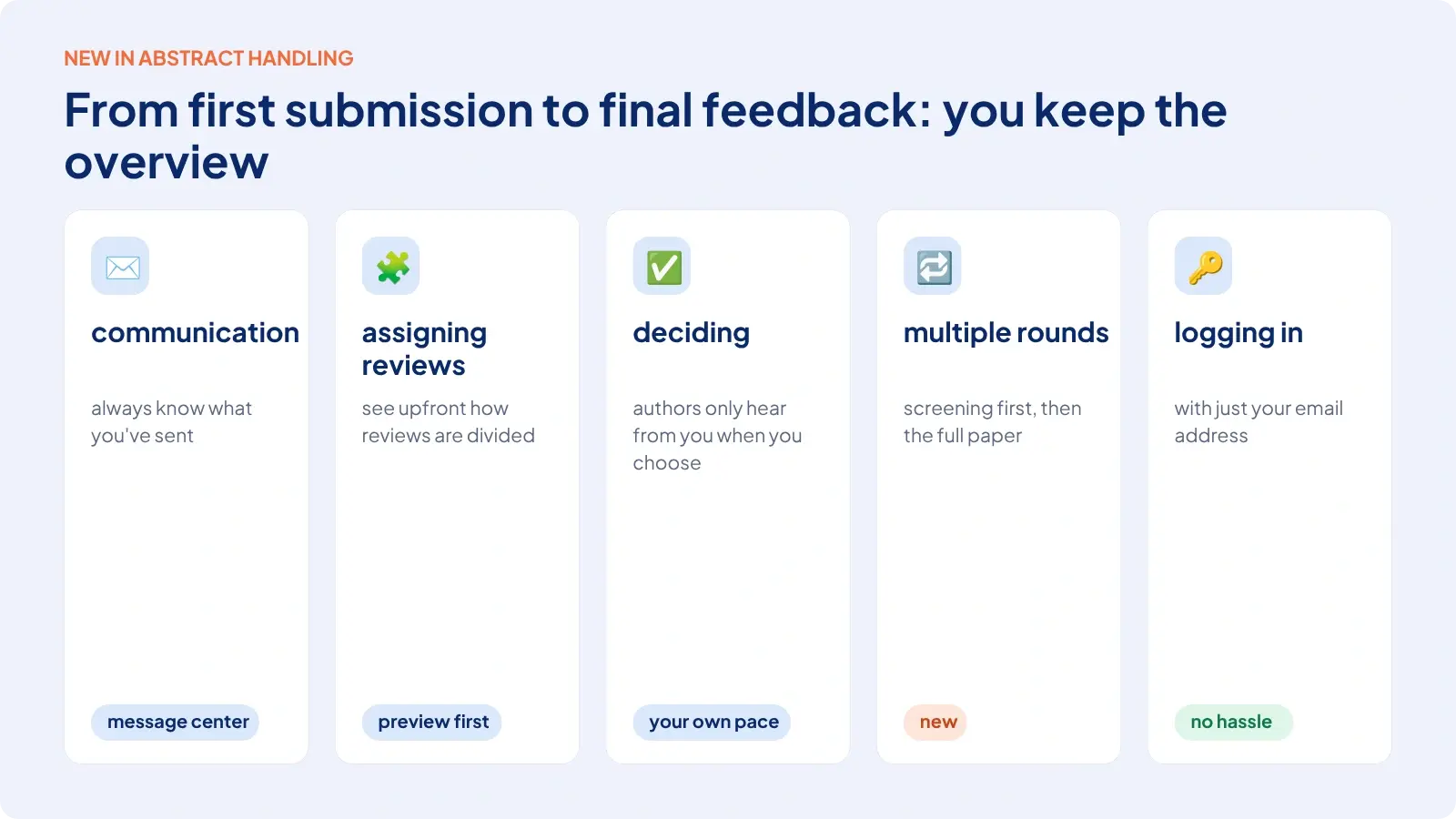
In short, the updates at a glance (we’ll go into more detail further down):
- You send your emails from the message center, with email templates, scheduling options and a list of all the abstract handling messages you’ve sent.
- You see how your reviews will be distributed up front (before you make anything final).
- You decide at your own pace. Authors only hear something when you choose to communicate.
- Reviewing in multiple rounds becomes possible.
- Authors and reviewers log in with just their email address and get their own environment.
For you as an organizer
Communication: always know what you’ve sent
Before. You had the “Mailing to authors” and “Mailing to reviewers” pages. You’d select, say, all authors with an accepted poster and send them an email. That was it. Afterwards, it wasn’t easy to trace what you’d sent or who had received it. A shame, because we already have all of that in our message center.
Questions we often heard were things like: what did I actually send, who got it, and what do I still need to do?
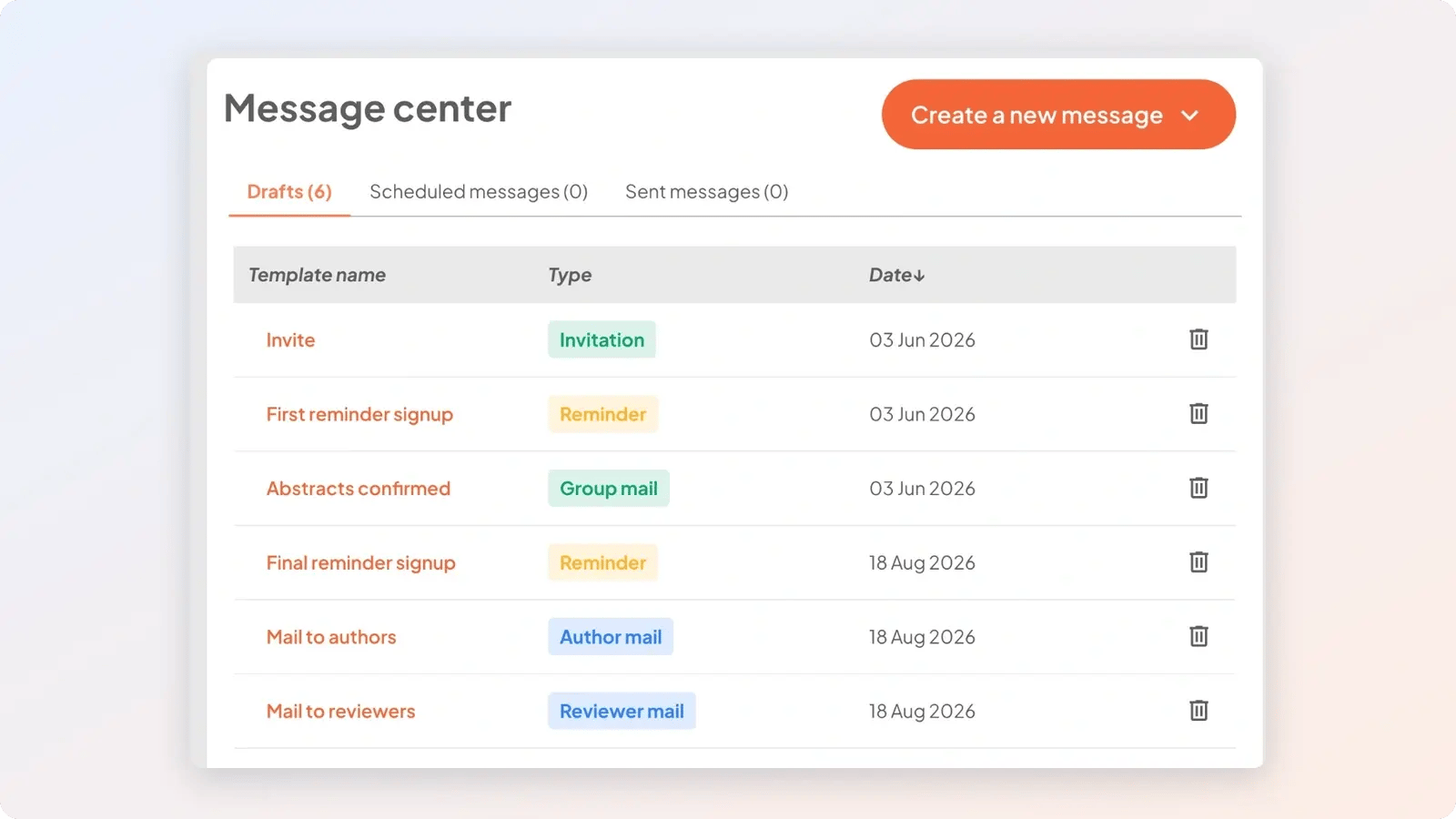
Now. Mailing authors and reviewers moves to the message center you already know:
- Choose what you want to send: an invitation, a group mail, a reminder, or an email to your authors or reviewers.
- Start with a template, for example an email to all authors with an accepted poster.
- Write your message in the same DIY mail builder you use for your other messages.
- See in your list of sent messages what you’ve sent, when, who received it and who is eligible now.
- Schedule messages, or have them go out automatically as soon as someone becomes eligible.
That way you always know exactly where you stand.
Good to know. The message center has been on by default since September 28. You can go back to the old pages until December 1st.
Distributing reviews
Before. You set the conditions, but you didn’t know how the system distributed the reviews. Authors indicate which topic their submission falls under, and reviewers pick the topics they know. Let's say: every submission gets 3 reviews, and the system distributes them. You only saw afterwards what it had done, and sometimes we had to figure out why.
Now. You see what’s going to happen and how the system distributes the reviews, before you make it final. If you don’t have enough reviewers for a topic, the system tells you. You choose: adjust it to, say, 2 reviews and see how that looks, or look for more reviewers. You can also start with who you have and add reviewers later, so you still end up at 3. The system takes into account what you’ve already assigned.
Good to know. This is on the new review page. It’s on by default from October 28. You can go back to the old pages until November 25.
Deciding at your own pace
You see how many submissions still need a decision. It’s usually simple: if all reviewers give a positive review, you accept the submission. If they all give a negative review, you reject it. You judge the middle group based on the space you still have in your program. You set the score ranges for accepted and rejected yourself. For example: everything above 8 is accepted, everything below 6 is rejected, and what falls in between is the middle group.
While you do this, no messages go out to authors. You adjust things until you’re happy. Only then do you choose to communicate what you’ve decided.
Reviewing in multiple rounds
We didn’t support multiple review rounds before. Now we do. But what is that useful for?
Two examples: by default you have one review round, and all submissions are reviewed in a single round. Want more rounds? Then you start extra rounds with the submissions from the earlier reviews, so different reviewers can work side by side. One group reviews topic A, for example, and the other topic B.
Or you work with a screening: authors submit their abstract, a screening follows, and everyone who is accepted moves on to the second round, where they upload their full paper. You choose the same reviewers again (the abstract looked good, now they look at the full paper) or new ones. Because it also works through the message center, you can ask all authors from round 1 to upload their full paper with a single message.
Good to know. You turn on review rounds yourself with a checkbox. It’s not on by default for anyone.
For authors and reviewers
Logging in and reviewing without the hassle
Before. An author or reviewer registered and received a link. If they lost that email, they couldn’t get in anymore. Right before the deadline, someone would call you: “I can’t get into my account.” You looked up the link and emailed it to them, and that could take a lot more time than you wanted.
Now. Logging in is much simpler now: an author or reviewer enters an email address and receives a (new) link by email. Because the profile is tied to the email address, the same person can be an author at one event and a reviewer at another, without separate accounts. And if something does go wrong, our support team sees exactly what they see and can help properly.
Reviewing can involve numerous tasks too. Now every reviewer gets their own environment that feels like an application, not a website. Under “Reviews”, each submission shows its name and status, so the reviewer sees right away which reviews are done and which are still open. When a reviewer opens a review, the summary and the submission itself are on the left, and the review is on the right. Everything side by side. Got feedback for the author? There’s a separate field for that.
That saves you a lot of digging: you have fewer links to track down and fewer reminders to send.
Good to know. You turn on the dedicated environment for authors and reviewers yourself. You can decide per event whether you want to offer it.
How we’re switching over, in three phases
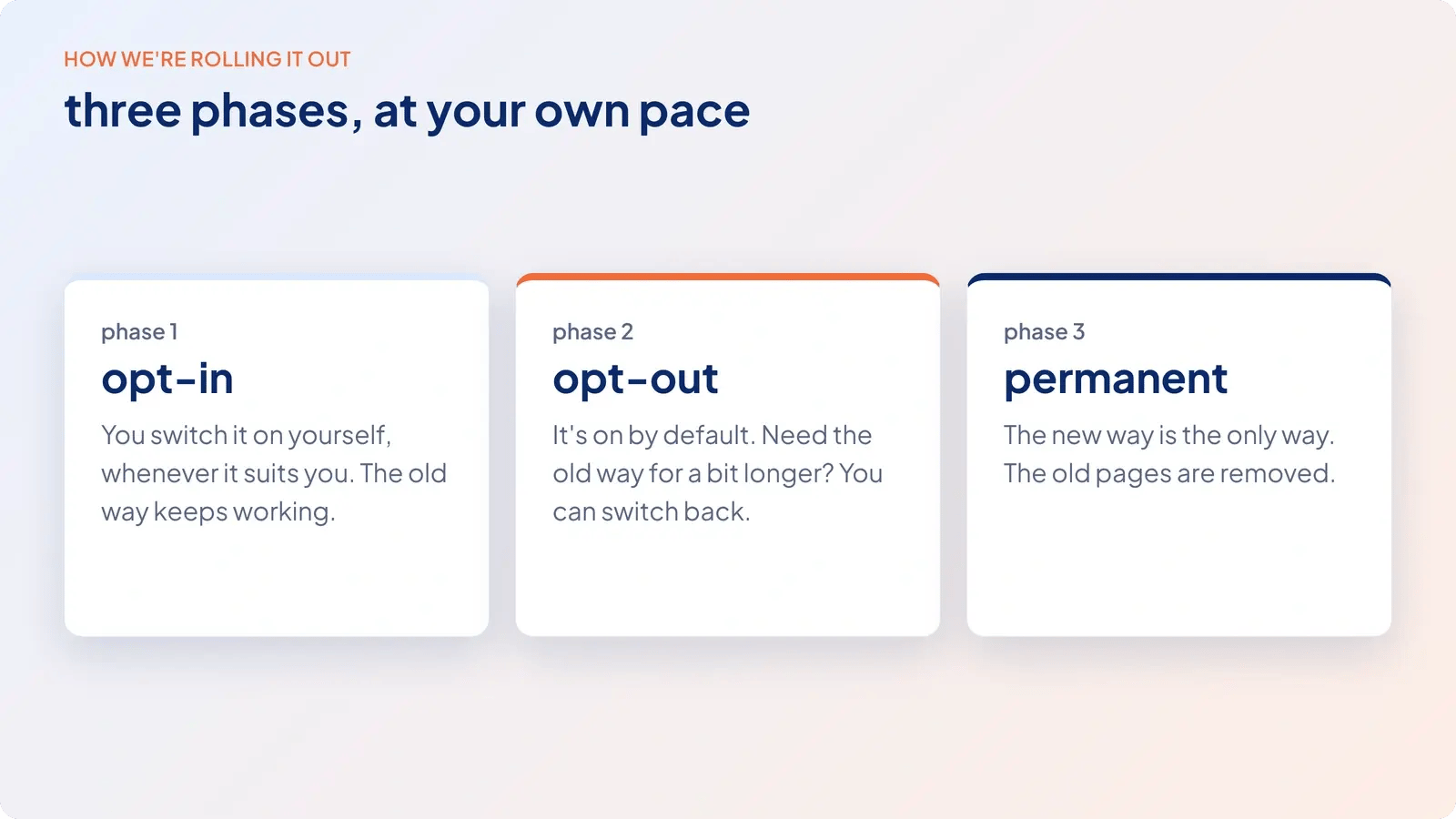
If you’re in the middle of preparing an event, you’re probably not waiting for a new environment. That’s why every part runs in three phases. For each part, we distinguish between ‘opt-in’, ‘opt-out’ and ‘permanent’. That way you know where you stand, part by part:
- Opt-in: You turn it on yourself, whenever it suits you. Until then, the old way keeps working as usual.
- Opt-out: It’s on by default. If you’d like to stick with the old way a little longer, you can go back.
- Permanent: After that, the new way is the only way, and the old pages are replaced.
The dates at a glance:
- Review rounds. Available since October 14. You can already use this feature, but it isn’t on by default for anyone.
- New review page (replaces “Assign reviewers” and “Program committee”). On by default from October 28. You can go back to the old pages until November 25. After that, it’s permanent.
- Message center (replaces the pages for mailing authors and reviewers). On by default since September 28. You can go back to the old pages until December 1.
Fine, those terms and dates. But what does it actually do for you?
The benefits at a glance
- You see what you’ve sent, to whom, and which reviews are still open.
- You see what’s going to happen before you commit, and authors only hear about your decisions when you want them to.
- Less follow-up work: you schedule messages, or they go out automatically.
- Less hassle with logging in, for you and for your authors and reviewers.
- You switch at your own pace, phase by phase.
That leaves your attention free for what it’s all about: the program.
Questions? Our support team is happy to think it through with you.
Stay tuned for updates. Keep checking the newsletter, aanmelder.nl’s LinkedIn channel and/or the ‘New features – Event Management’ blog category for the latest updates.