What's new?
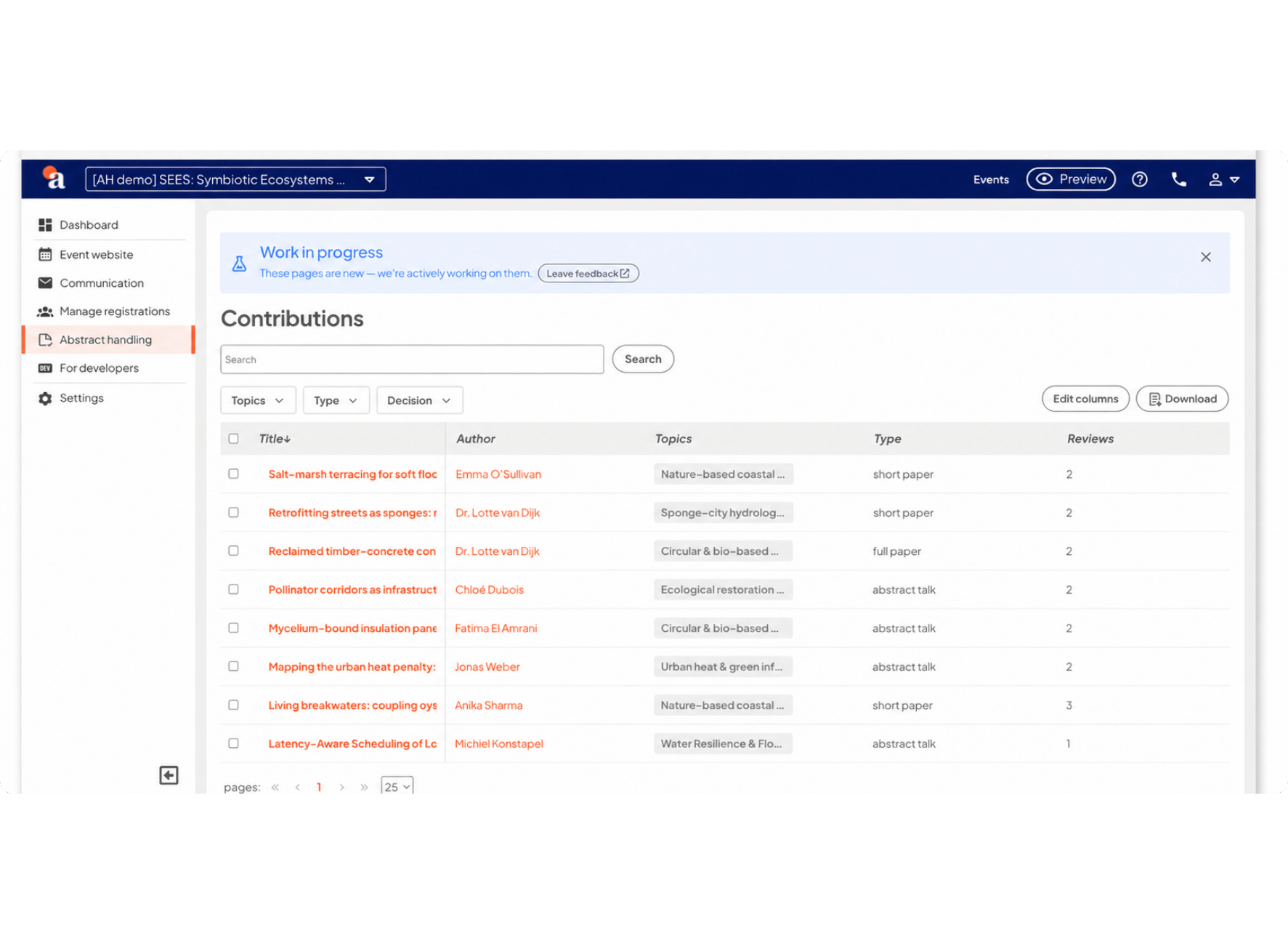
Organizing a scientific conference means juggling authors, reviewers, and a program committee, each with their own steps in the submission process. So we built them their own space: a standalone author and reviewer environment for abstract handling, separate from your event site.
Here's what they get: one personal page that shows everything in a single overview. The abstracts they submitted and where each one stands, next to the ones waiting for their review. No more digging through email threads to work out what's done and what's still open.
Logging in is simple too. They enter their email address and get a secure link straight to their profile, no password needed. And because that profile is tied to the email address, the same person can be an author on one event and a reviewer on another without juggling separate accounts.
How does it work?
- Turn on the new environment for your event with a single toggle.
- Authors and reviewers log in with their email address.
- Track author status on one clear dashboard: invited, active, submitted.
- Authors submit through a contribution form built with the form builder, covering title, keywords, and file uploads up to 25MB.
- Reviewers see the submission and the review form side by side: document on the left, grading and comments on the right.
- Send status updates, like deadline extensions or acceptance decisions, straight from the platform.
It's opt-in for now. Keep the abstract handling interface you already know on your existing events, or switch on the new environment whenever you're ready. New events get it by default, with a toggle to switch back if you'd rather not.
Why does this make your workflow more efficient?
- One login for authors and reviewers, so switching roles between events costs them nothing.
- A cleaner, purpose-built interface that makes reviewing dense scientific papers less of a chore.
- Faster support: you can log in as a user and see exactly what they're seeing when something goes wrong.
- Nothing changes for your current events until you say so.
Stay tuned for updates. Keep checking the newsletter, aanmelder.nl’s LinkedIn channel and/or the ‘New features – Event Management’ blog category for the latest updates.