Event Check in
No-shows: What are they and how do you prevent them?
Discover what no-shows are and learn how to minimize them with automated reminders, cancellation options, no-show fees, and waitlists.
Imagine your event has reached maximum capacity. There is always a chance of no-shows or cancellations. To ensure you maximize turnout, we’ve built an option to open a waitlist. That way, you're always set up for a successful event!
A waitlist gives late-registering attendees the option to sign up for a spot. With integrated waitlist management software, when cancellations occur, attendees automatically receive an invitation to finalize their registration.
As an organizer, you have complete visibility and control over the waitlist. You can prioritize or remove attendees at any time. Attendees can also easily cancel their spot on the waitlist themselves.
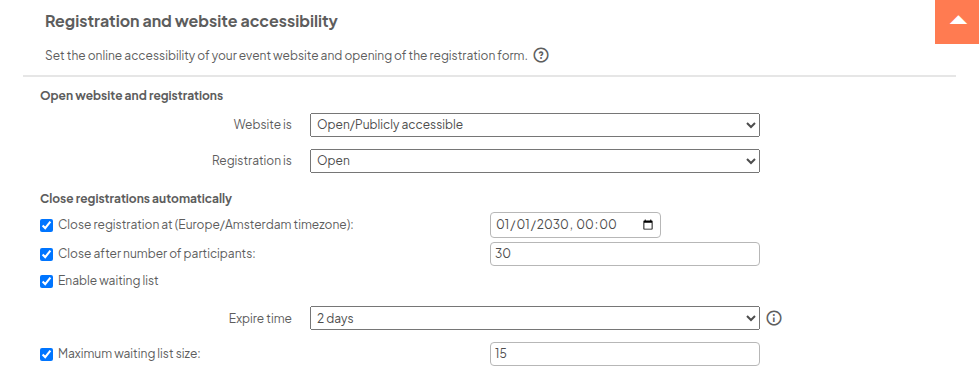
Under your event's general settings, you'll find an extra option under the heading ‘Registration and website opening’. Once you've set the maximum number of attendees, you'll see the option to create a waitlist. You can specify a maximum capacity here as well.
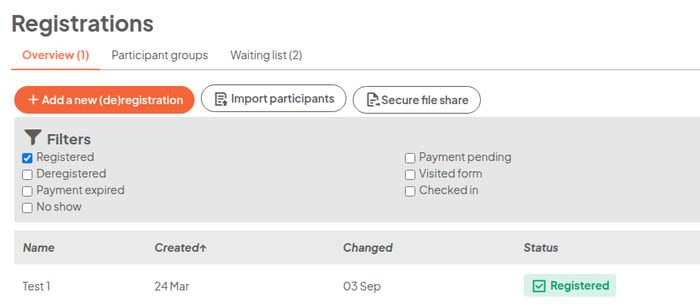
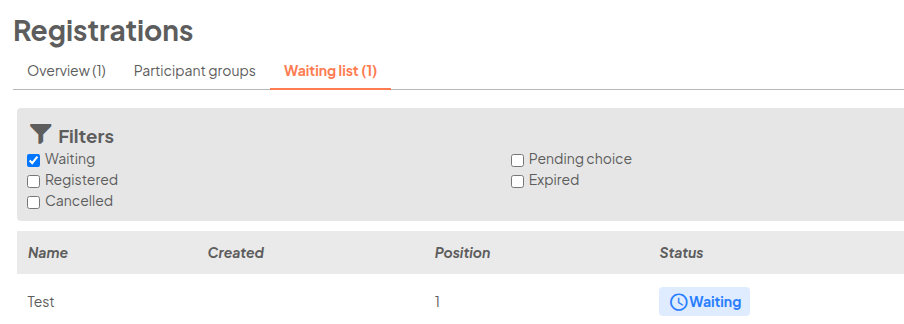
Under ‘Registrations’, an additional waitlist table will appear listing everyone who signed up. The person at the top of the list is emailed first when a spot becomes available. As the organizer, you can adjust the list at any time.
Under 'Registrations', an additional waitlist table will appear listing everyone who signed up for the waitlist. The person at the top of the list is emailed first when a spot becomes available. As the organizer, you can adjust the list at any time.
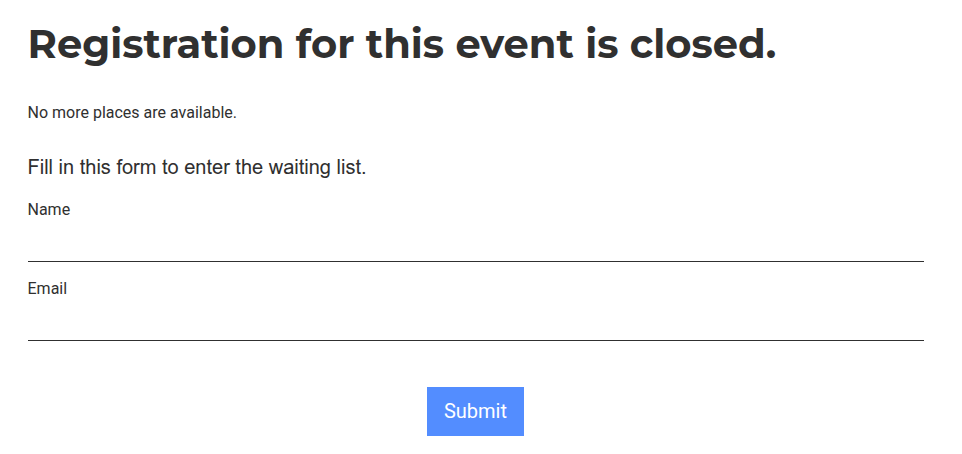
Once maximum capacity is reached, the waitlist automatically activates, and prospective attendees will see a different registration form. If the waitlist is full as well, visitors receive a notification letting them know.
Waitlisted attendees automatically receive a confirmation of their registration.
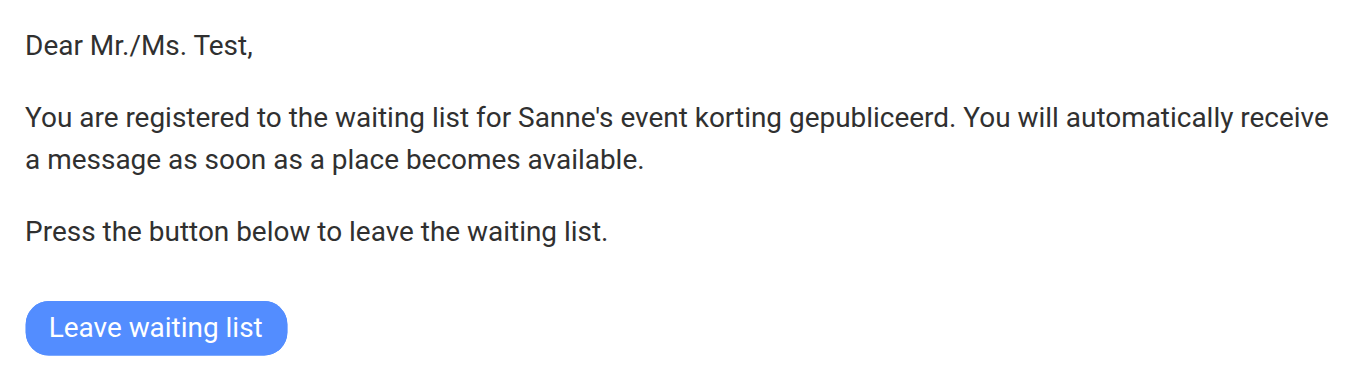
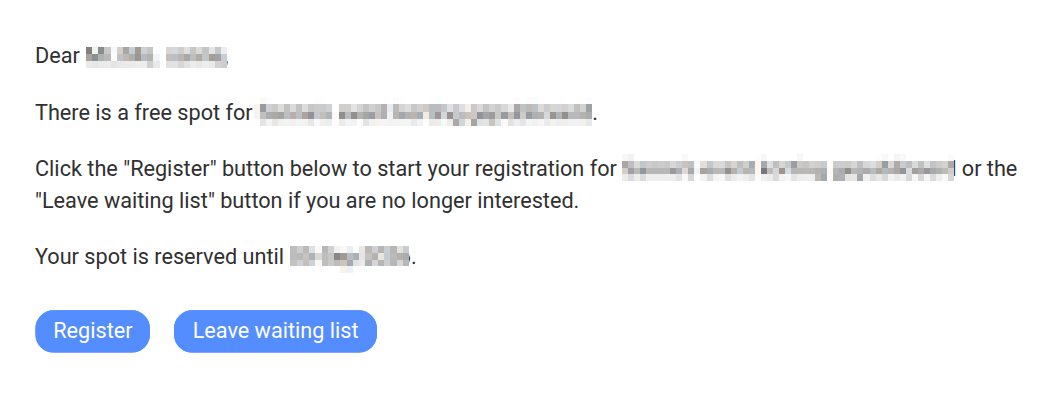
In the Message Center, you can set up communications so waitlisted attendees automatically receive an email as soon as a spot opens up on the main attendee list.
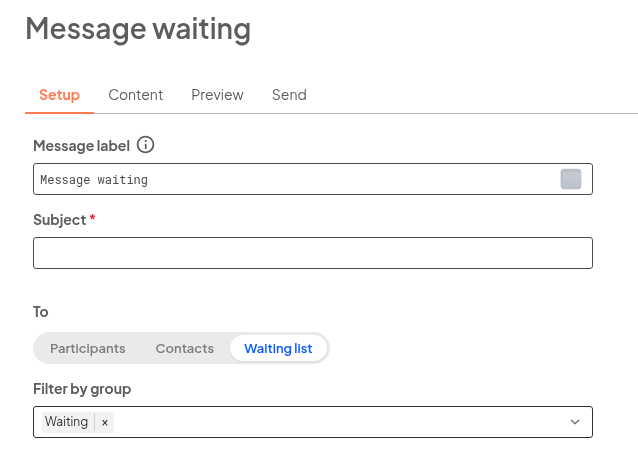
You can also send an email to all waitlisted attendees, for instance, to let them know that unfortunately no spots opened up.
Using automated waitlist software eliminates manual back-and-forth emails about available spots, helping you maximize event capacity and ensure a full house every time!
Discover what no-shows are and learn how to minimize them with automated reminders, cancellation options, no-show fees, and waitlists.
Authors and reviewers now get an environment of their own: one page showing the abstracts they submitted and the ones waiting for their review.
Discover how to manage event queues effectively with practical tips. Unlock the secret to improved waiting experiences and streamlined check-ins for...