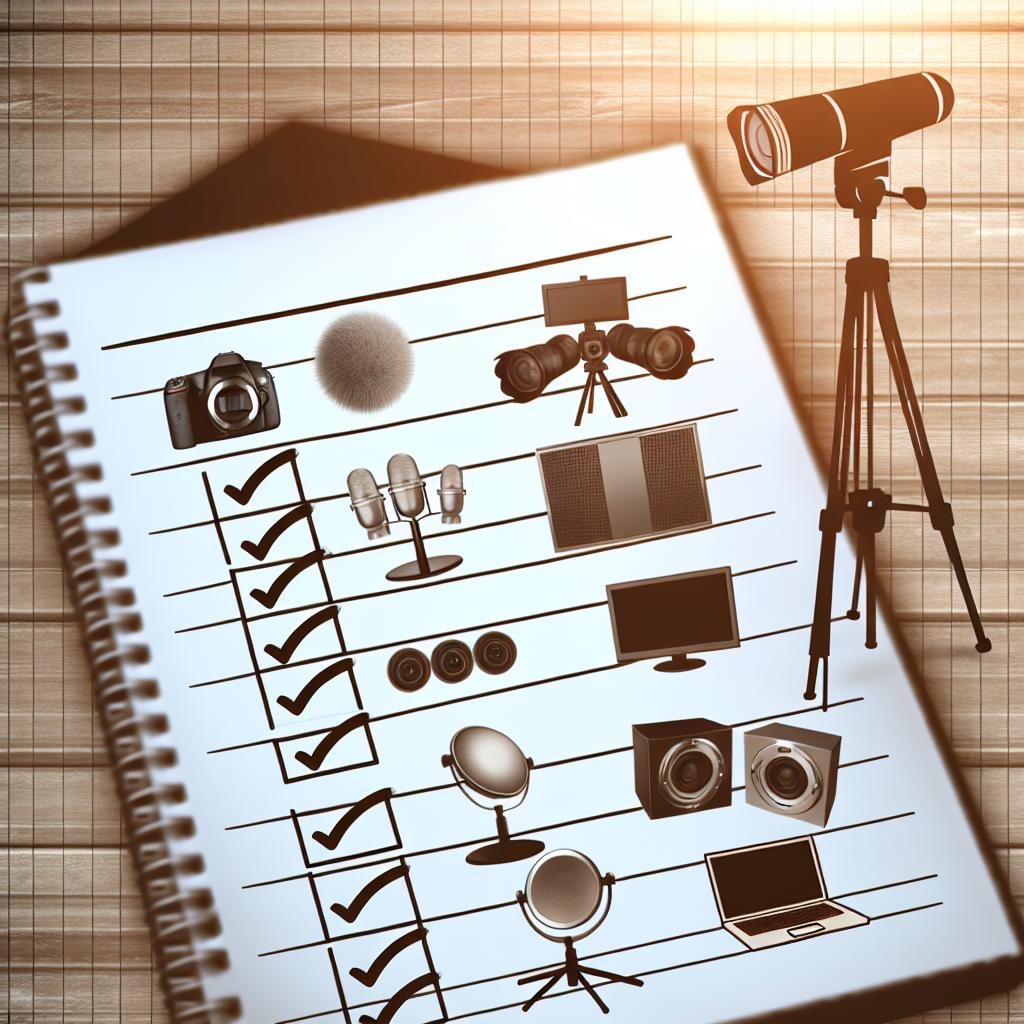
Setting up a live stream involves a lot of details. Equipment, software, organization, and planning are all crucial. To help you get started, aanmelder.nl has created a checklist of everything you need for setting up a live stream.
If you're looking for a way to organize and manage your livestream events, our Event Management tool might come in handy. It allows you to combine the necessary functionalities and organize your event down to the last detail.
You probably already have a clear idea of the message you want to share and how you want to deliver it. However, a poor internet connection, camera, or software can disrupt your message. To ensure the viewer's focus is entirely on you, we provide advice on the equipment and software needed for a successful live stream.
Streaming equipment
Let’s start with the equipment. This list may vary per event, but here are the essentials you absolutely need:
- Camera: Or better yet, cameras. Using two or more cameras allows you to capture different angles and switch between them to create a dynamic view.
- Microphone: For the best sound quality, a good microphone is a must. A wireless microphone gives the speaker freedom of movement and prevents tripping hazards.
- Tripods: To securely set up the cameras.
- Lighting: Good lighting enhances the quality of the video.
- Laptop/Computer: For the speaker to monitor the stream.
Internet connection for a live stream
The speed of your internet connection is crucial for your live stream. After all, you don’t want interruptions in the video.
- Perform a speed test to check the network in advance. 3Mbps or higher is sufficient for an SD stream, but 10Mbps or higher delivers the best results.
- Opt for a wired connection instead of WiFi, as it is often more stable.
- Ensure you have a backup network.
Live stream platform
You’ve likely already chosen an online platform where the stream will be hosted. The other equipment needs to be connected to this platform.
- Research how the live stream platform works in advance so you’re well-prepared on the day of the live stream.
- Ensure all privacy settings are correctly configured in accordance with GDPR.
Communication for participants
Any instructions for participants must be communicated clearly and efficiently. Make the process as user-friendly as possible. If the login process is confusing, you increase the chance of participants dropping out before the stream even begins.
- Immediately after participants register, they should receive an email outlining what they can expect from the organization.
- Send all instructions for joining the stream one day in advance.
- Send a reminder one hour before the stream starts.
Testing, testing, testing
The most important step is to test all equipment and software in advance. Go through everything, from registration to the end of the live stream. Create a detailed script for the stream itself and ensure everyone knows their role.
We recommend scheduling a dry run to identify any areas for improvement.
Need help?
Planning to livestream your event? Through our online event platform, you can choose to stream live on YouTube or any other channel. And if you want to make sure all attendee communication is seamlessly taken care of, you can use our registration software.
Get in touch for more information about our products.